
Choose the direction yourself
Keep the detail mundane, add harmless interest, point toward an existing plan, allow one short side thread or explain and close it.
VISINVOKE roleplaying generator
One tiny detail.
A satisfying answer.
A natural way to move on.
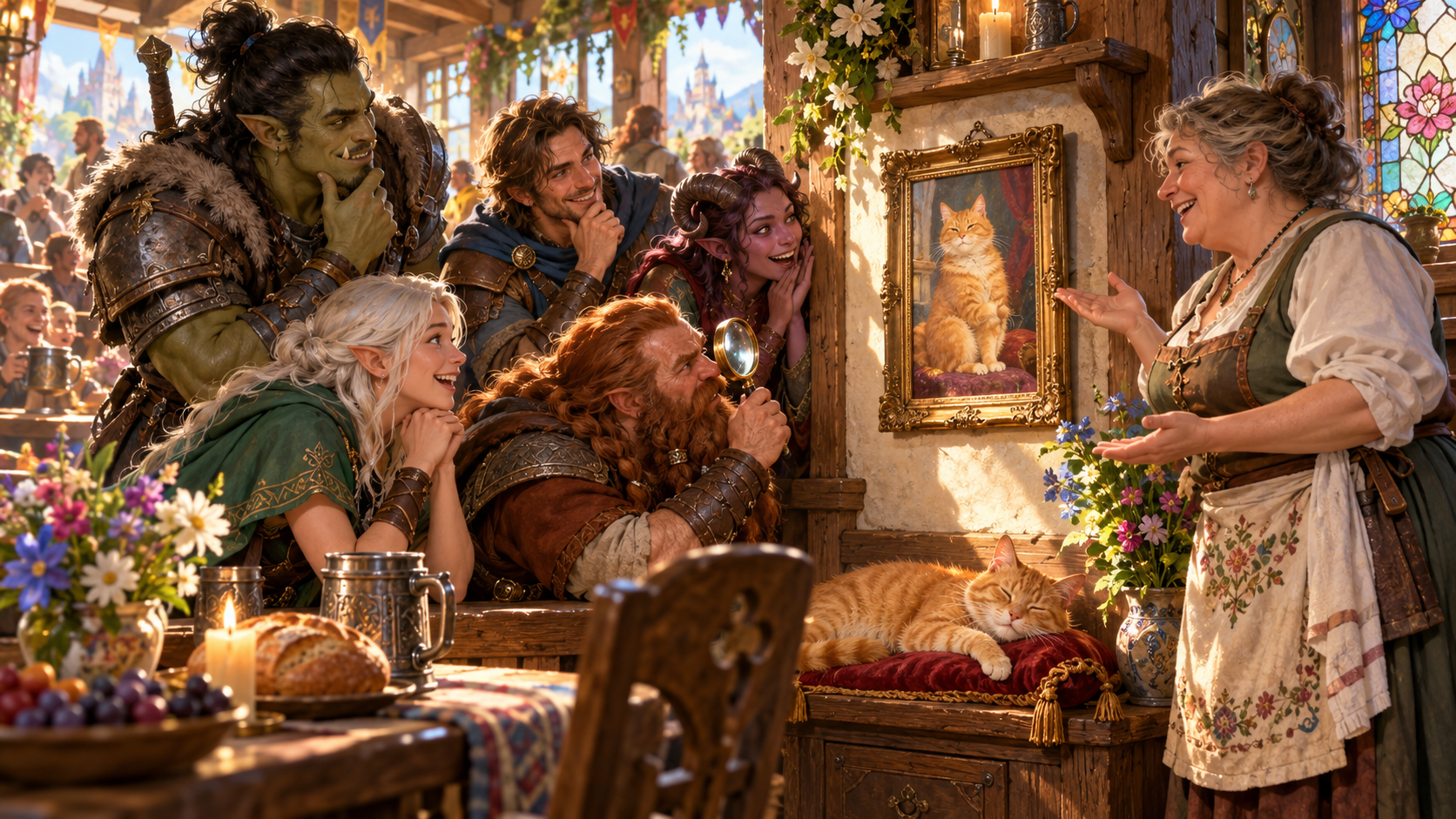
Reward the table’s curiosity
Choose its importance and give it a complete explanation.
Keep the detail mundane, add harmless interest, point toward an existing plan, allow one short side thread or explain and close it.
Prepare the answer, decide how far any follow-up can go and give the table a satisfying ending to the moment.

A mark with an explanation
At a brassware stall, companions study a spiral on a spoon. The merchant points to matching marks on a kettle, bowl and plates.
A tiny mark can have a complete explanation. Choose its importance and prepare what makes it interesting, with a follow-up only as far as you want.
What you can prepare
Keep the chosen importance beside the explanation.
Describe the object, mark, animal, person or feature that has caught the players’ attention. Add where they found it when that helps.
Choose a straightforward explanation for background colour. Give the table a complete answer that fits the scene.
Allow one harmless story or a little local colour. Choose the importance you want the detail to have.
Name something already in your game that a small clue could point toward. Keep that connection within the plan you supplied.
Choose a single brief follow-up when it suits the session. Prepare how far it can go and a satisfying place to stop.
Use a clear answer and a natural way to move on. Reward curiosity while keeping your chosen direction in view.
Prepare a table-ready explanation with a line you can read aloud first. Keep the full explanation beside it.
Review the bounded follow-up and what makes the detail interesting. Decide how much of that material to use.
Review, edit, lock or reroll material until it fits the scene. Save the useful result and keep earlier variations.
Choose the full Dungeon Master or player-facing view. Copy, download the structured record or print it after reviewing the content.
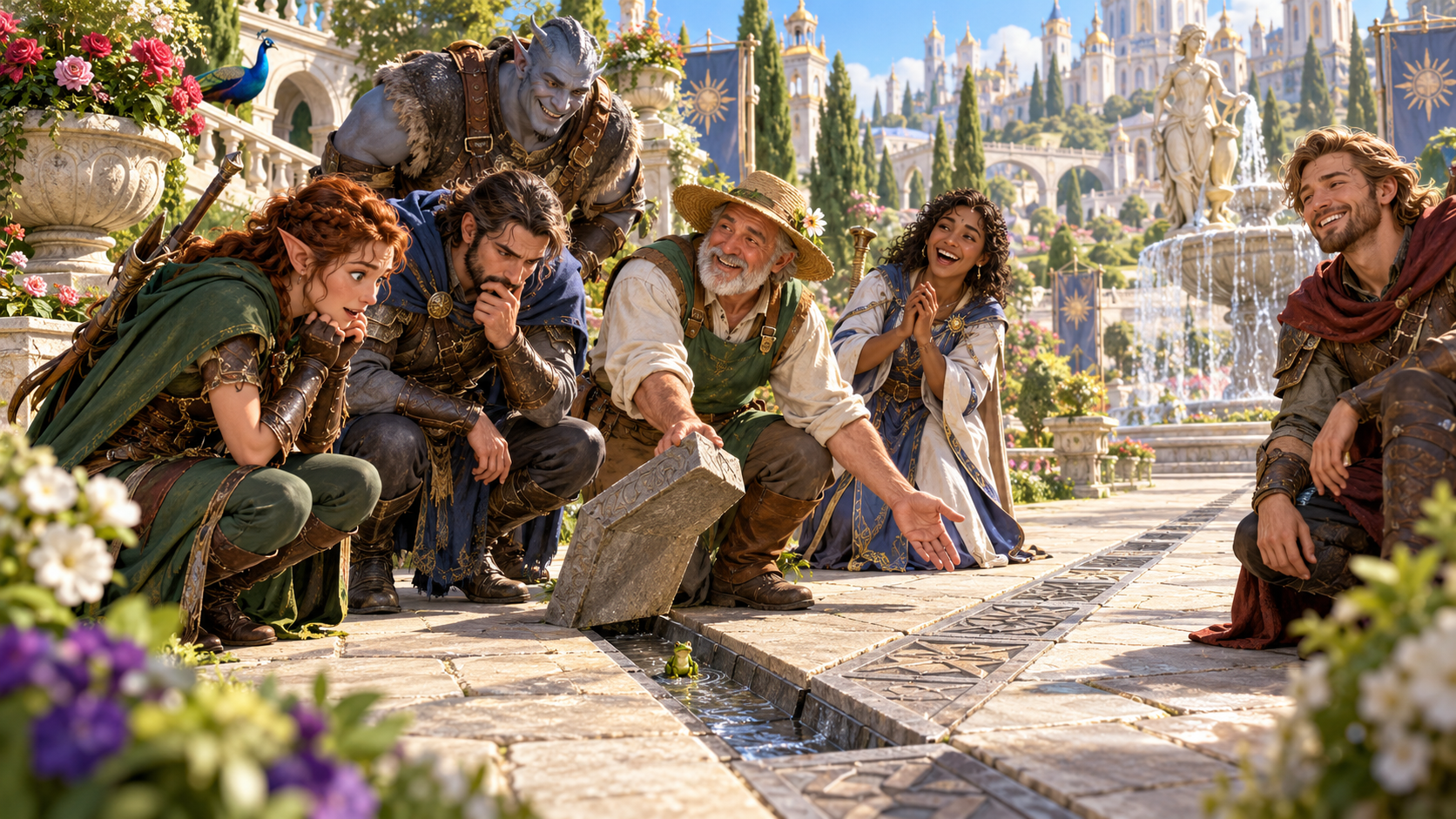
Choose how far it goes
A gardener lifts a paving stone beside a drainage channel while companions inspect it. A small frog sits in the water below.
Start with the detail and location, then choose direction, kind and tone. Add an existing planned element, things to avoid and private context when useful.
Quick and Deep preparation
Use the facts and plans already in your game.
Describe what the players noticed and optionally where it is. Choose what to do with it, the kind of detail and the tone.
If you want a small clue, name the element you already have planned that it may point toward.
List topics or directions to avoid and add GM-only context. Review what belongs in the explanation you share.
Read what the detail actually is, what happens if they keep digging, how far it can go and the satisfying way to move on.
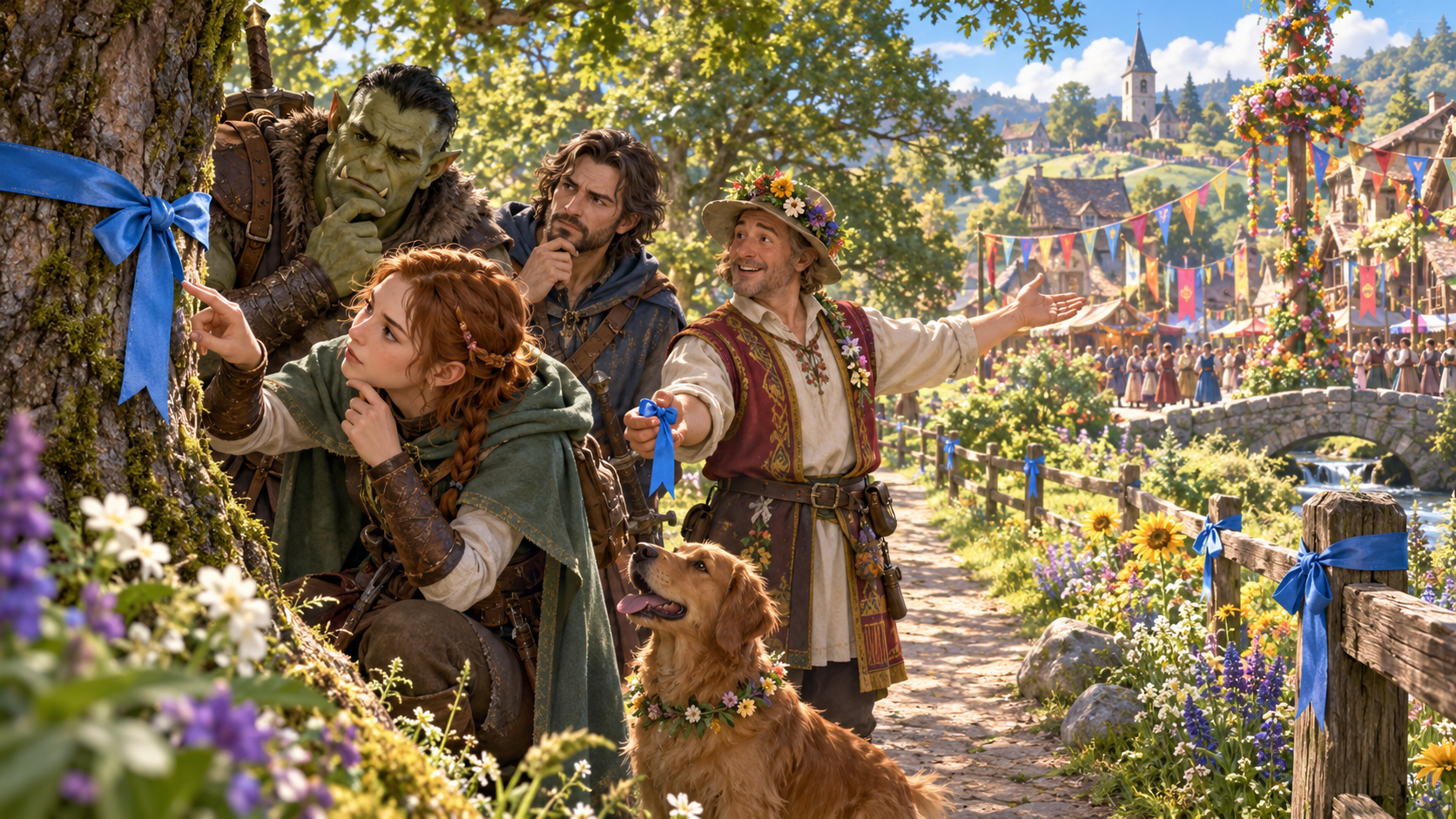
A satisfying way forward
Companions examine a blue ribbon tied to a tree while a bard gestures toward a village festival. Matching ribbons continue along the path and fence.
The illustration gives one small detail an explanation and a route onward. Use the ready line and bounded follow-up, then finish the moment naturally.
Keep useful explanations
Saved details, earlier variations and audience-aware sharing.
Save a useful detail to your signed-in account. Reopen, rename, duplicate, search, tag, annotate or delete it as your preparation changes.
Keep earlier variations available as you refine the explanation. Review, edit, lock or reroll the material for your scene.
Choose the full Dungeon Master material or a player-facing explanation. Review the intended audience and any private notes before sharing.
Copy the table-ready explanation with the read-aloud line first, download the structured record or print it. Review the content again after edits.
Your workspace and related products
Open your products through your account.

Open this generator in the Generators collection of your signed-in desktop workspace. Get Desktop Control Centre through your account installer page.
Use Combat PRO for encounter tracking in its own workspace. Keep the explanation and its chosen importance with your session preparation.
Illustrations show small details being explained. The Dungeon Master chooses the importance and how far any follow-up belongs in the game.
Questions and answers
Preparation, chosen importance, saved records and sharing.
The noticed detail, chosen direction, what it actually is, a ready read-aloud line, what makes it interesting, a bounded follow-up and a satisfying way to move on. The material includes player-facing content and private Dungeon Master notes.
Choose to keep it mundane, make it mildly interesting, point toward something already planned, allow one short side thread or explain and close it. The Dungeon Master chooses the direction and how far to use the follow-up.
Quick preparation uses the detail, optional location, chosen direction, kind and tone. Deep preparation adds an existing planned element that a clue could point to, things to avoid and GM-only context.
Save details to your signed-in VISINVOKE account. Reopen, rename, duplicate, search, tag, annotate or delete them. A twelve-version history keeps earlier variations available.
Copy the table-ready explanation with the read-aloud line first, choose the full Dungeon Master or player-facing view, download the structured record or print it. Review the audience and private context, especially after edits.
Create a free VISINVOKE account or sign in. Get Desktop Control Centre through your account installer page, then open Players Are Obsessed With an Irrelevant Detail Generator in the Generators collection. Check your account for current subscription details.
Continue in VISINVOKE
Create a free VISINVOKE account or sign in to your existing account. Get Desktop Control Centre through your account installer page.
Find this generator in the Generators collection. Check your account for current subscription details.